Snapping and Guides
Snapping is central to Octodraw’s direct modeling workflow. It helps align new geometry with existing model features and the grid.
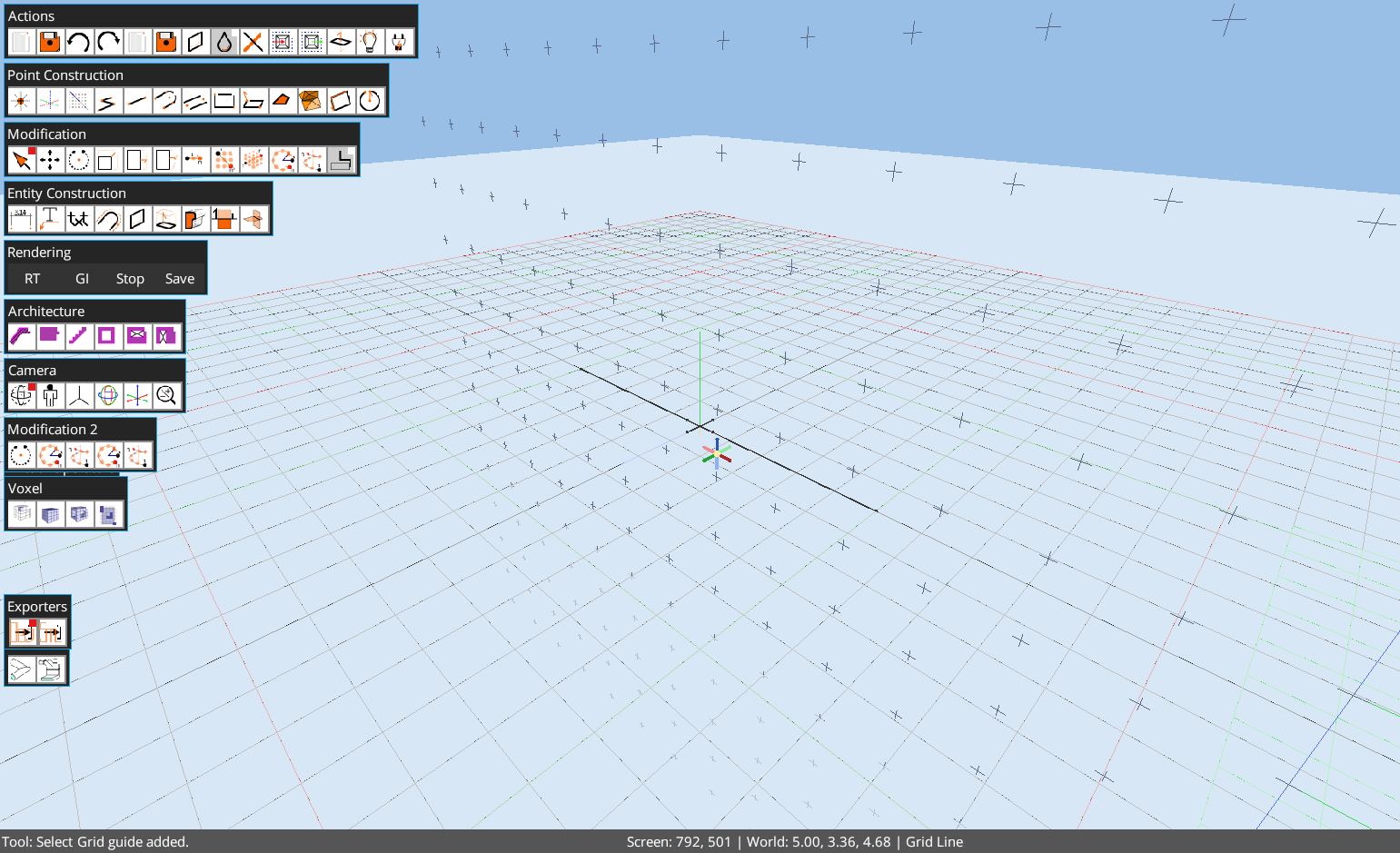
Snap Targets
Current docs and source describe snap feedback for:
- grid intersections and grid lines,
- endpoints,
- midpoints,
- points on line segments,
- points on faces,
- temporary grid and axis guides.
Guides
- Press
Gto add a grid guide at the current snap. - Press
Tto add an axis guide at the current snap. Escclears guides when using Select mode in current documentation.
Precision Workflow
Use guides and snapping before relying on visual placement. For tutorials and documentation automation, reset the scene, set the camera, then perform pointer operations against stable world coordinates or validated command/script paths.