Objects and Instances
Objects isolate geometry and make repeated modeling workflows easier. The current docs describe grouping selected geometry into an object prototype and placing instances from the Objects panel or object placement tool.
Common Actions
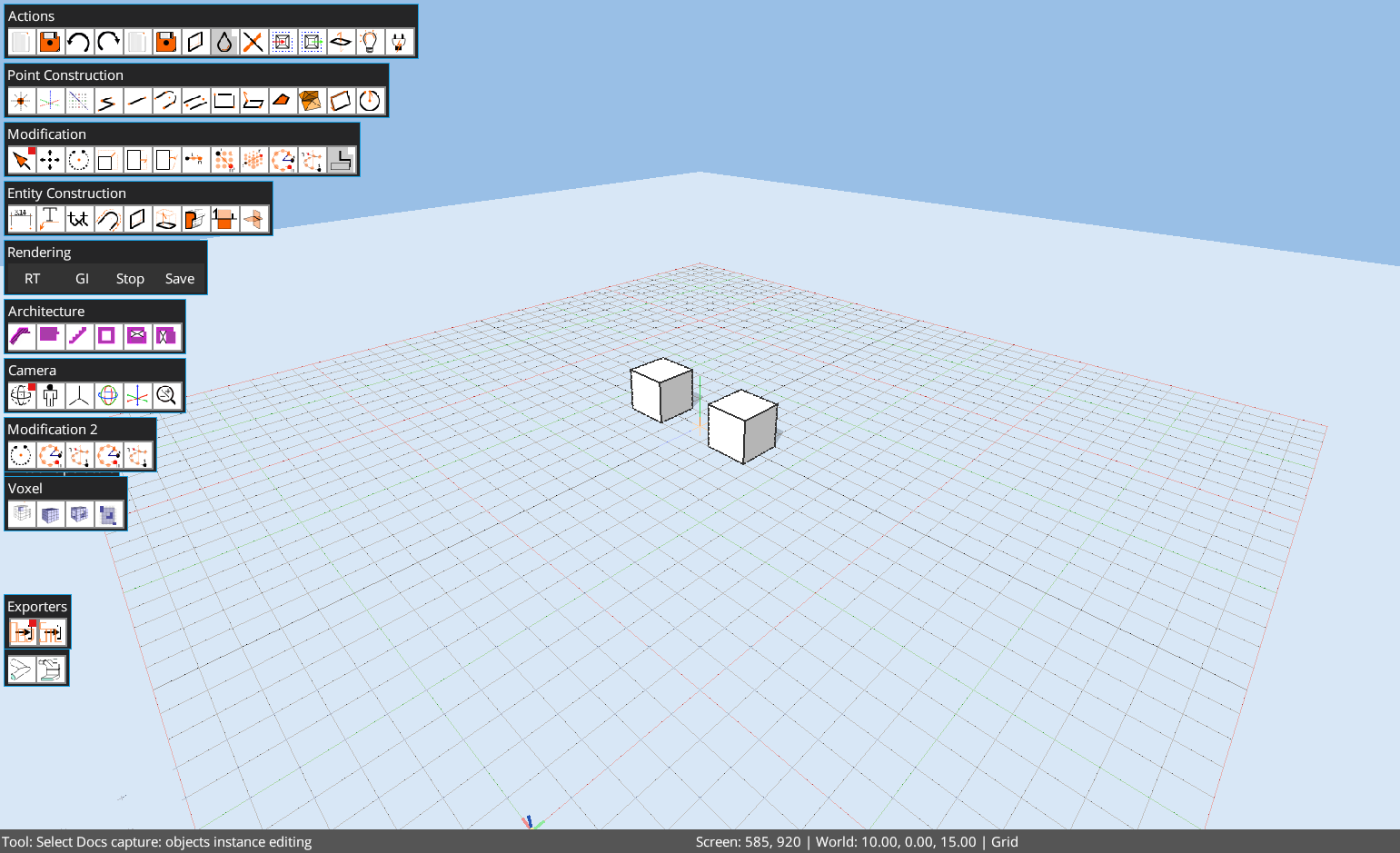
Ctrl+G: group selected geometry.Ctrl+Shift+G: ungroup selection.Ctrl+O: create object prototype from selection.- Actions toolbar:
Create Object,Edit Selected Object,Close Object, andExplode Objectare available as single-click controls for touch-friendly workflows. - Double-click group or instance: enter object edit mode.
Instance Editing
Editing an object definition changes its reusable geometry. Instance-specific behavior can also use hotspot-driven controls, which are advanced and should be validated against the current build before being documented as stable tutorial steps.
Automation Note
Automation should discover whether edit.group, edit.ungroup, and object placement commands are available before executing them. Browser tutorials should use the webcomponent tutorial API, not desktop MCP.