Drawing Tools
Drawing tools create edges, faces, dimensions, text, and specialized construction geometry. The current source lists built-in tool IDs in ToolId.kt; command palette entries are generated as tool.builtin.<tool-id-lowercase> when available.
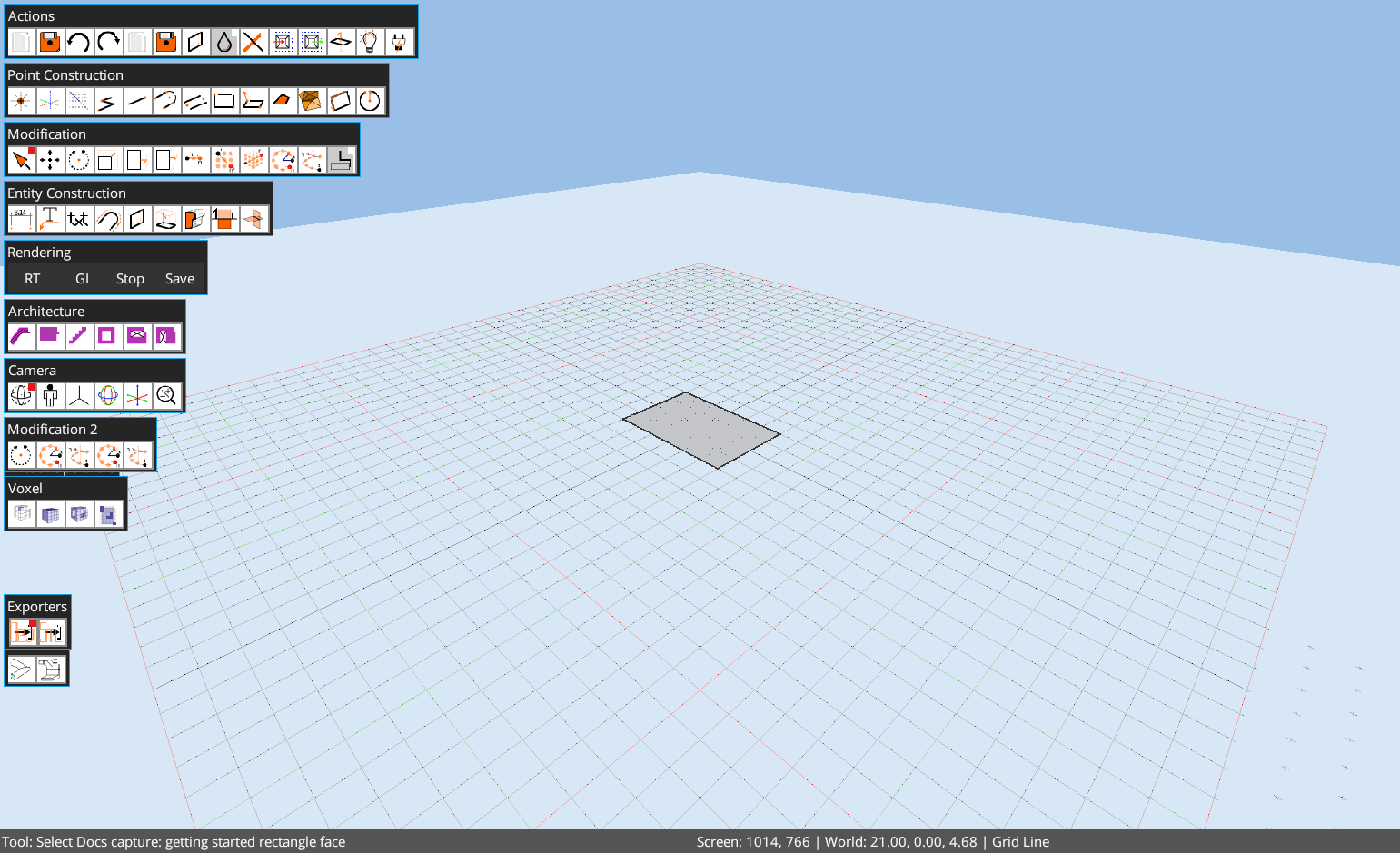
Core Construction Tools
- Line, Construction Line, Polyline, and Double Line for edge and chain creation.
- Rectangle, Surface Rectangle, Quad, and Circle for planar faces.
- Face Outline, Line Offset, Plane Section, and Mesh Intersection for derived construction.
- Linear Dimension, Text, and Vector Text for annotations.
Mechanical Construction
The Mech toolbar adds generated geometry for screw surfaces, circular/square hole patches, washers, and cog wheels. Cog Wheel is a four-point procedural tool: pick tangent start, tangent end, a tooth-count measure point, and a tooth-depth point. The center is placed on the left-hand side of the tangent vector from start to end. After the count point is picked, the tool previews the potential wheel before committing the horizontal planar outline and radial center marker.
Surface-Aligned Drawing
Surface Rectangle is intended for drawing on existing face planes. Snapping and face hit detection should be checked in the current build before writing exact automation steps.
Tutorial Guidance
When command IDs are uncertain, tutorial JSON marks command actions as pending discovery. Command validation belongs in local MCP authoring scripts, not in public browser execution.